Not sent to AI Director
Original video files, source audio, filenames, precise location, exact dates, EXIF data and Photo Library identifiers are not included in AI Director requests.
AI Director
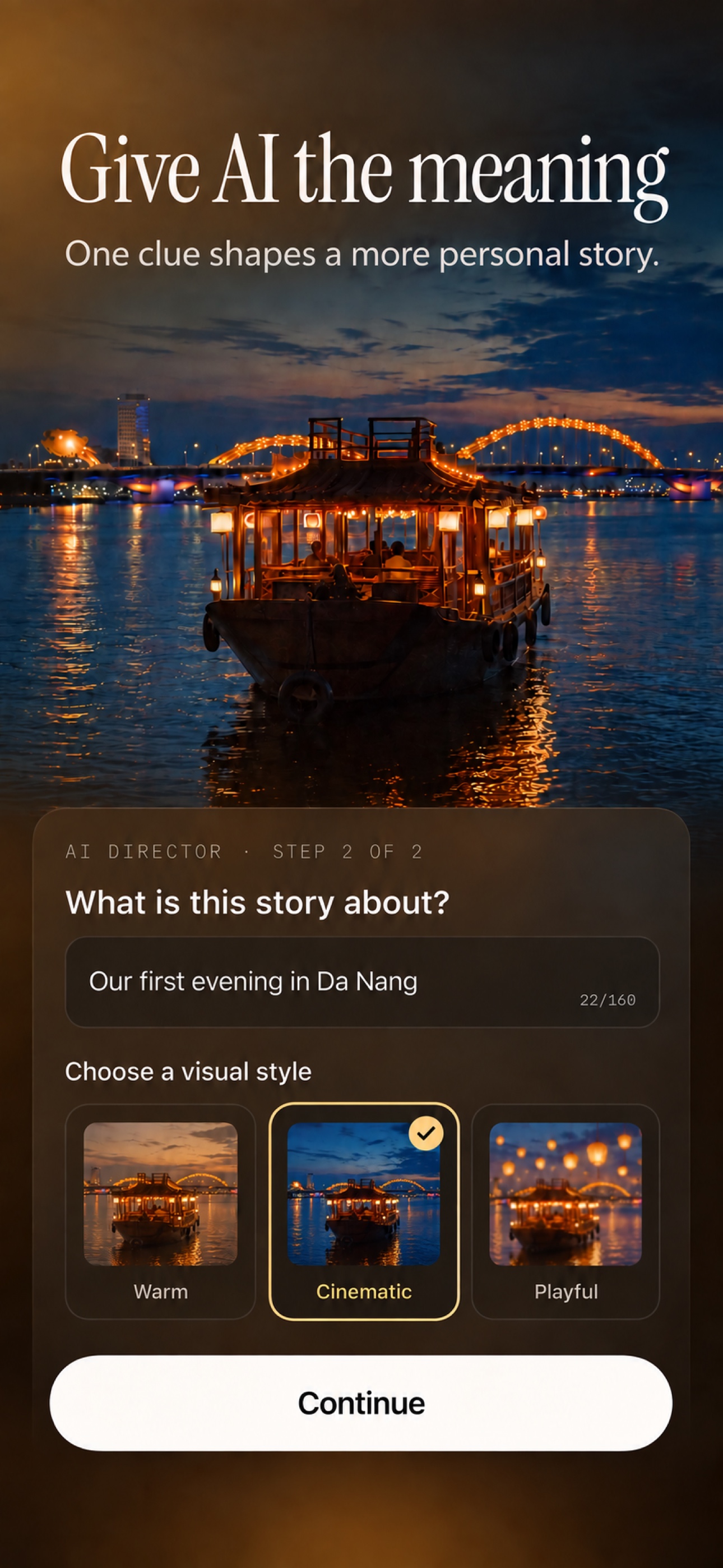
Tell AI Director what the day meant. It proposes a stronger hook, selects meaningful moments and shapes the pace—without changing your originals.
Three clear steps
What stays on your phone
AI Director only starts after you ask. The editing plan comes back; the final movie is assembled on your iPhone.
Original video files, source audio, filenames, precise location, exact dates, EXIF data and Photo Library identifiers are not included in AI Director requests.
Selected reduced photo previews, sampled video frames, your story clue and broad editing cues are sent to OpenAI to create an editing plan.
Only when you create a share link is the finished exported video uploaded to Memories’ cloud storage. The video and link expire after seven days. Read our privacy policy.