Step 1
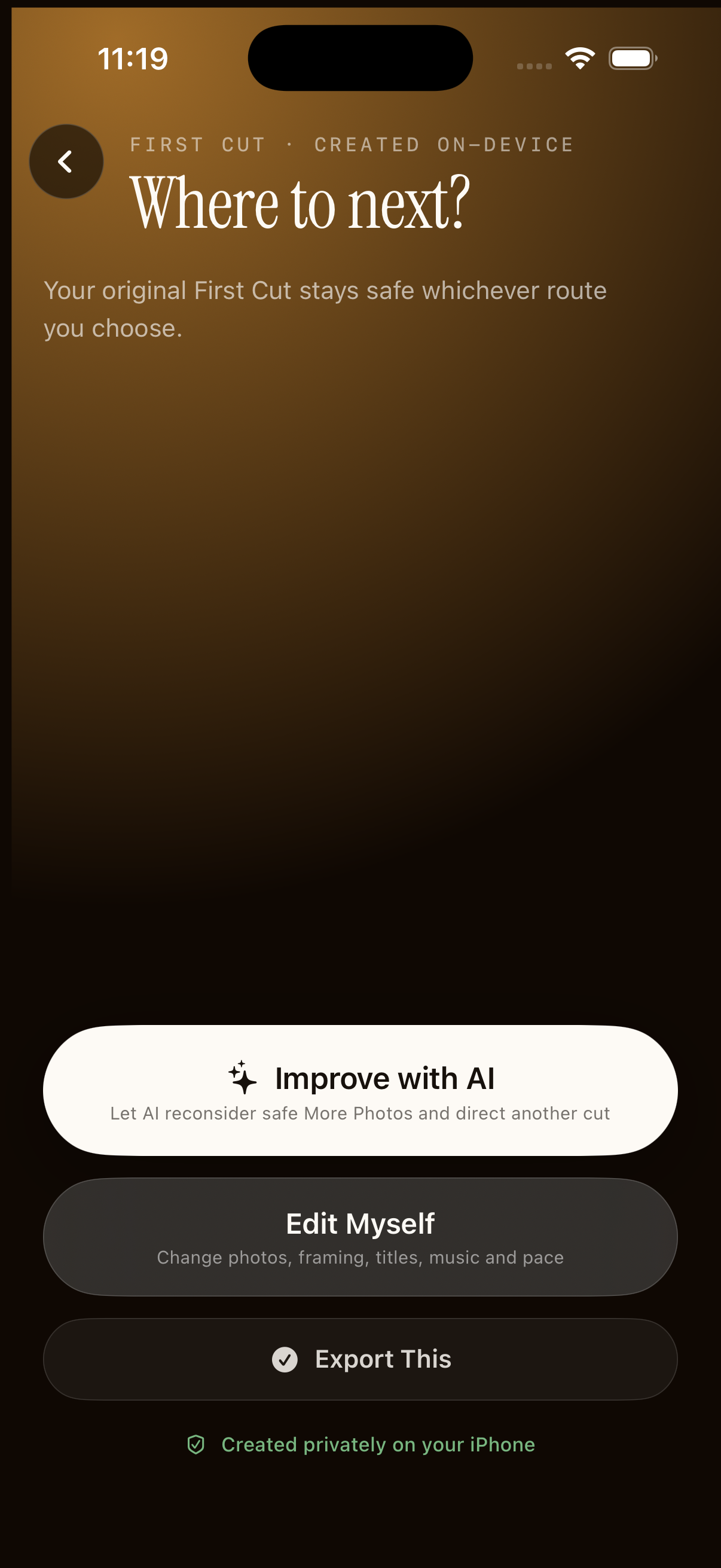
Choose “Edit myself”
Open a memory and watch the First Cut. On the choice screen, select Edit myself.
→What changes: the app opens the simple editor. Your current cut remains intact until you make a choice.
Manual editing · Screen by screen
You never need to understand a timeline. Change one decision at a time, preview the result, and undo by changing it back.
Step 1
Open a memory and watch the First Cut. On the choice screen, select Edit myself.
Step 2
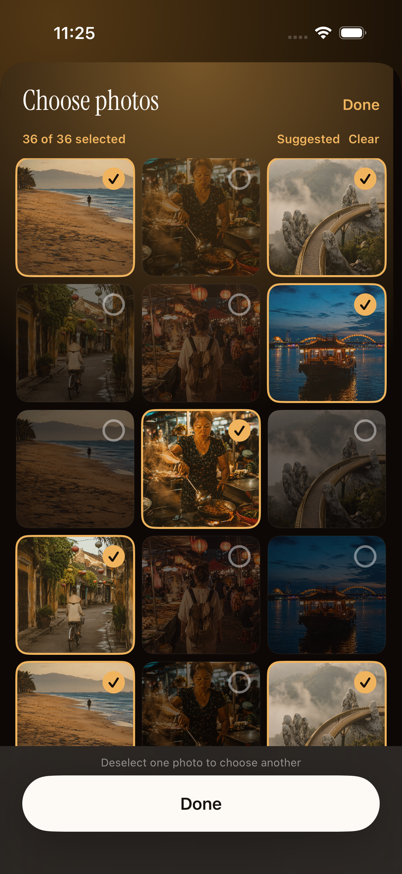
Tap a photo or video to include or remove it. Selected moments show a checkmark. Use Suggested to return to the best-ranked mix.
Step 3
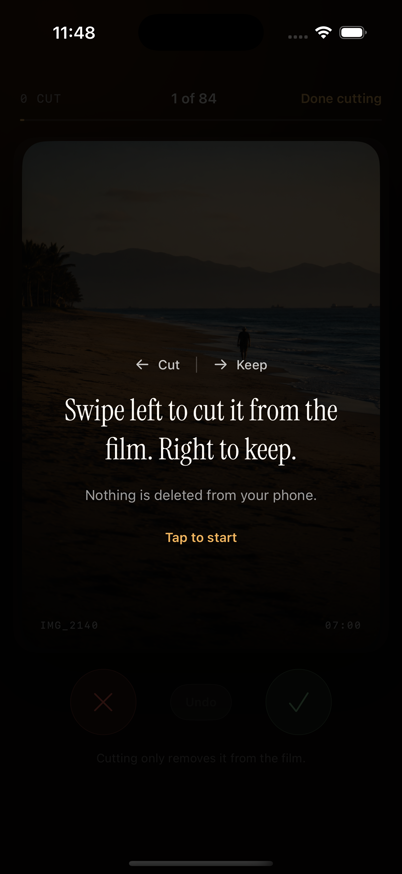
Review each moment. Swipe right to keep it, or left to cut it. For video, adjust the highlighted section to keep the part that matters.
Step 4
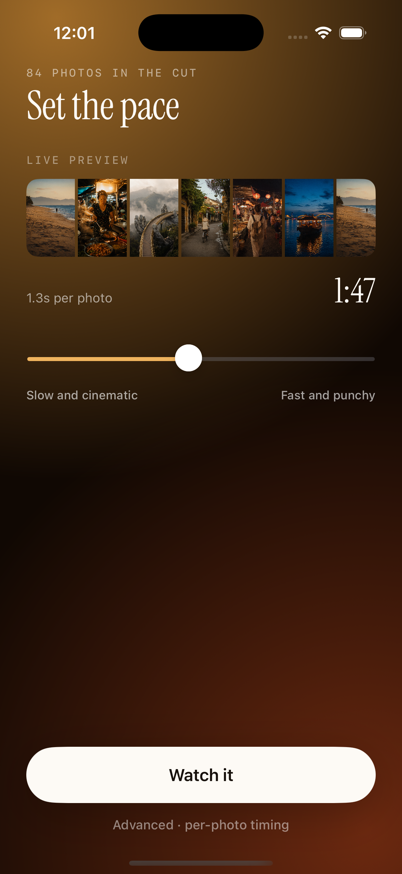
Move the pace control toward Slow for a reflective story, or Fast for quicker cuts and more energy.
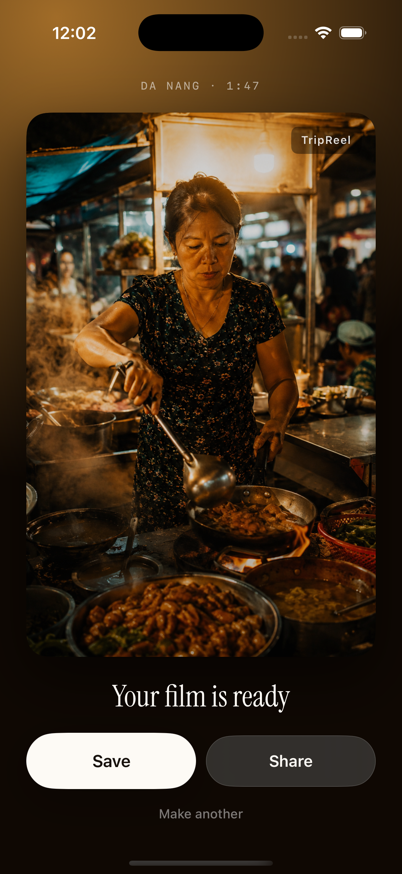
Step 5
Play the finished story once. If it feels right, choose export and then Save Video or share it to another app.